Index | Index of lessons | Lesson ID-110.2 -Cancel an invoice that requires authorization from the recipient
Tags:
Lesson ID-110.2
Updated to:
04/08/2026
Lesson objective
That the user knows the process of cancelling an invoice that will require the authorization of the recipient, via portal.
Cancel an invoice that requires authorization from the recipient
Log in to the system as instructed in lesson ID-101.1
Once inside the system, go to the "Invoicing" module.

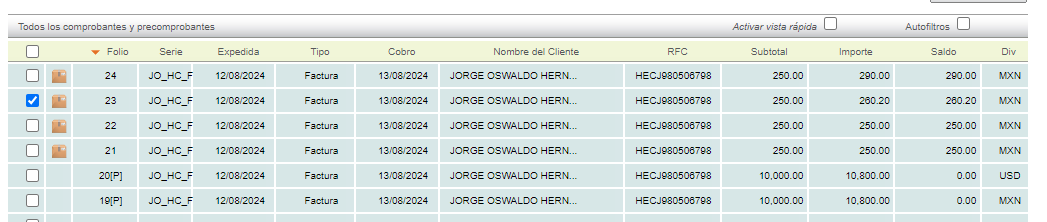
Click on the invoice you wish to cancel.
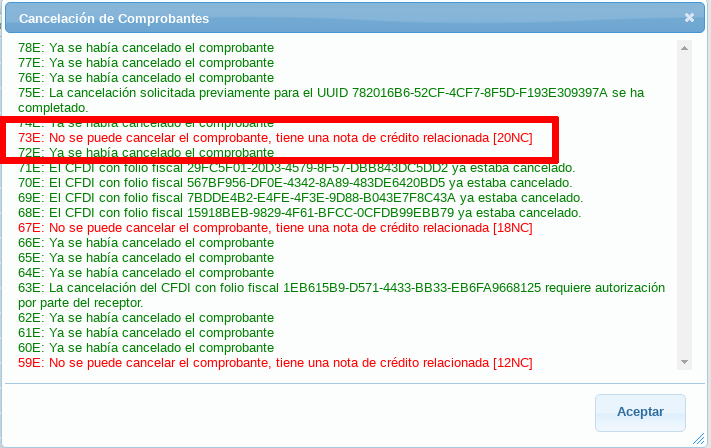
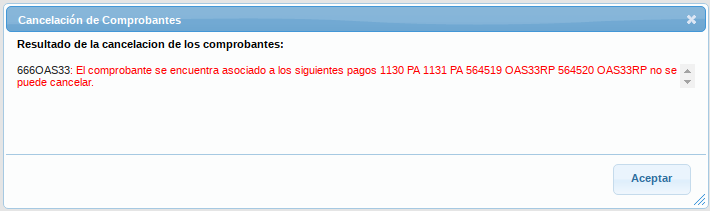
Please verify that the invoice does not have any related documents, such as credit notes or related payments. Otherwise, you will not be able to complete the cancellation and will receive a message similar to these informing you of the problem:
Go to the "Actions" menu on the left and click on the "cancelar" action.

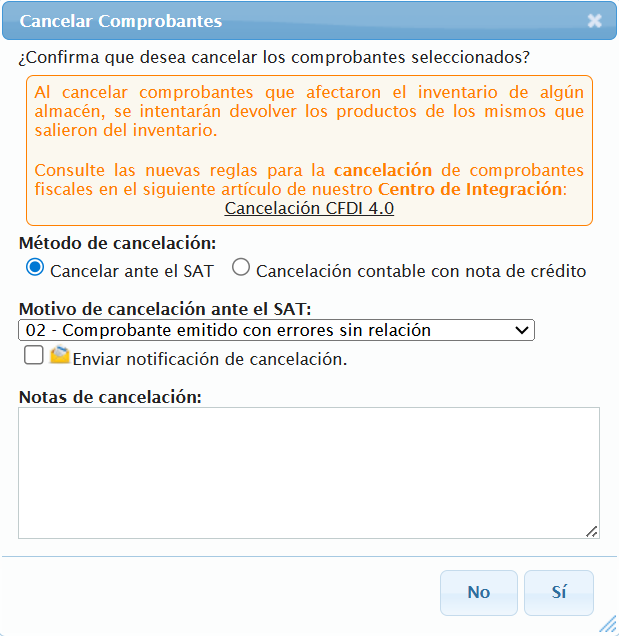
A menu will appear where you can specify a cancellation reason if you wish. Click the "Sí" button to cancel the invoice.
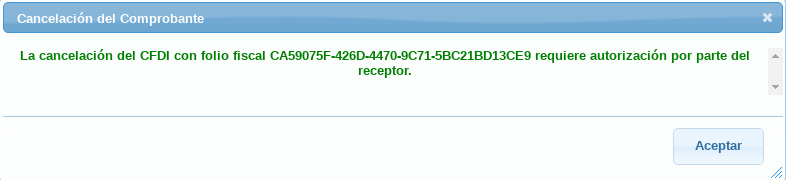
A message will appear informing you that the invoice requires authorization. Click the accept button.
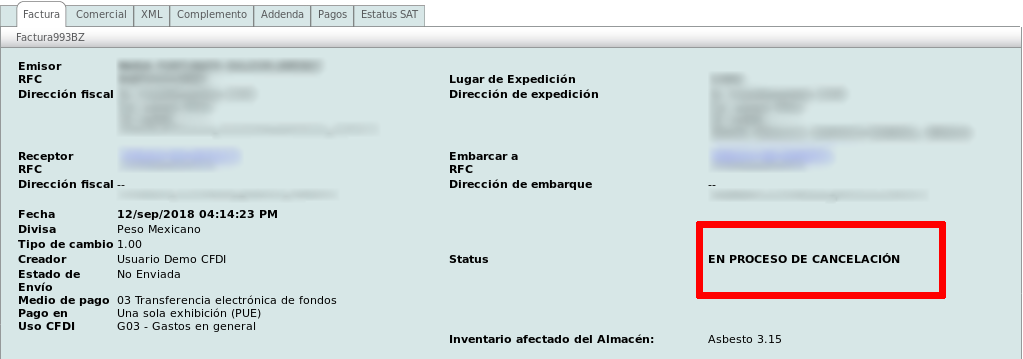
The page will update and you will see that the invoice Status is now: EN PROCESO DE CANCELACIÓN.
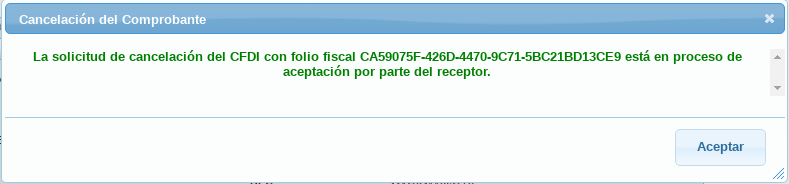
If you then try to cancel the invoice again, this message will be displayed.